01
Upload your resume
Use a PDF once or keep a saved profile.
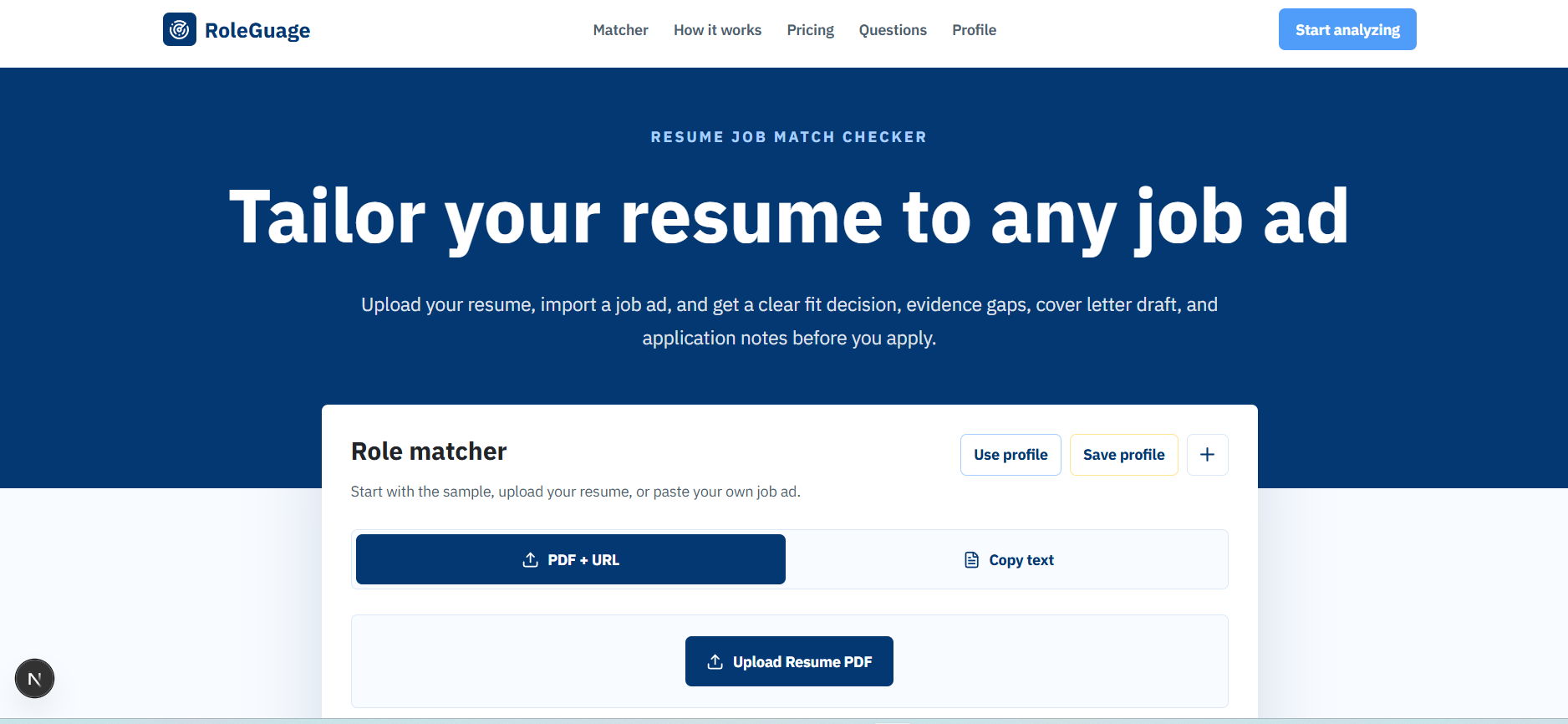
Upload your resume, paste a job description, and get a clear fit score, evidence gaps, cover letter draft, and application notes before you hit apply.
No sign-up required to try · Works with LinkedIn, Indeed, Greenhouse & more
How it works
01
Use a PDF once or keep a saved profile.
02
Use URL import, copy text, or the Chrome extension.
03
Review fit, gaps, blockers, cover letter draft, and next actions.
Features
See how well your resume evidence aligns with the job before you spend time applying.
Pinpoint skills, keywords, hard blockers, and missing proof points for each role.
Generate a tailored cover letter that connects your real experience to the job requirements.
Catch work rights, licences, salary, location, and clearance issues early.
Paste a job URL or job text and get the full report without rebuilding your prompt every time.
Get resume bullet ideas and next steps based on the job ad and your saved profile.
Start analyzing your resume against any job in seconds. Or use the Chrome extension from the job board.
FAQ
No. RoleGuage separates supported evidence from gaps and flags places where you need real proof.
Yes. Use URL import where possible, copy text when a site blocks extraction, or use the Chrome extension.
You can save it to your account, keep it on this device, or delete it from your profile page.